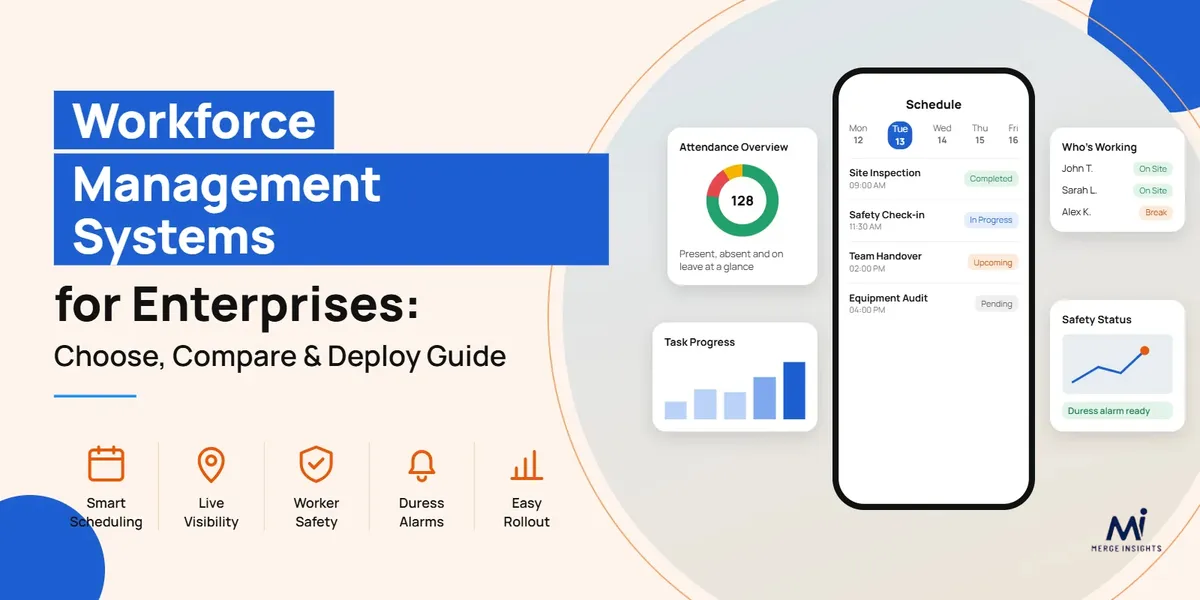
Workforce Management Systems: Deploy Guide | Merge Insights
Workforce Management App: How to Find and Deploy the Right Platform for Your Enterprise
Most enterprises don’t struggle to find a workforce management app. The real problem shows up later — once the pilot team’s excitement fades and the rest of the business has to actually use it.
A platform that looks solid in a demo can fall apart fast across multiple sites, business units, and reporting lines if it was never built to handle that scale. Finding and deploying the right workforce management systems takes more than scrolling through feature lists. You need to know what problem you’re solving, whether the platform fits how your teams already work day to day and how to roll it out without bringing operations to a standstill
This blog breaks down what to look for in a workforce management system, and you can find and deploy the right platform for your enterprise.
Why Enterprises Need a Modern Workforce Management System
Running an enterprise on spreadsheets and disconnected tools works right up until it doesn’t. A roster gets built in one app, attendance gets tracked in another, and safety check-ins live somewhere else entirely.
But none of it talks to each other, so managers end up chasing information instead of acting on it. A modern workforce management system changes that by pulling everything into one place:
Real-time visibility into who’s working, where, and whether they’re safe
Scheduling that adjusts automatically as demand or availability shifts
Fewer manual errors in timesheets, payroll, and compliance reporting
One system both the head office and field teams can actually rely on
What Features Should You Look for in an Enterprise Workforce Management System?
Most workforce management systems look capable in a demo. Fewer hold up once you’re running hundreds of staff across multiple sites with different roles and compliance needs.
The features that matter at that scale aren’t always the ones a sales pitch leads with.
Smart Scheduling and Workforce Allocation
Enterprise scheduling means matching skill, certification, and location to the right job, across hundreds of workers at once. A modern workforce management app does this with AI, adjusting rosters in real time as conditions change.
Matches workers by skill, availability, and location
Adjusts automatically as demand shifts
Built on AI-powered rostering, not manual spreadsheets
Reduces manual scheduling work for managers
Real-Time Visibility and Performance Reporting
Enterprise managers can’t act on what they can’t see. A workforce management app gives real-time visibility into where every worker is and what they’re doing through a live manager console rather than end-of-day reports.
Live map view of worker location and status
Plan vs. actual tracking to spot adherence gaps early
Productivity KPIs and performance data in one dashboard
Reporting that’s current, not reconstructed after the fact
Built-In Worker Safety and Risk Monitoring
Field and remote workers carry risks a standard scheduling tool was never built to handle. A workforce management app with safety built in keeps that monitoring inside the same system managers already use, not a separate app.
Automatic fall and incapacity alerts
Geo-fencing and location tracking for lone or remote workers
Duress alarms for instant emergency response
Escalation that happens automatically, without a manager chasing it down
Integrations and Centralised Communication
Workforce data scattered across payroll, HR, and messaging tools creates extra work, not less. A workforce management app that connects to existing systems keeps everything running from one source instead of several.
Syncs with payroll, HR, and calendar systems
In-app chat and announcements reach the right people directly
Template library for consistent, repeatable communication
One integration hub instead of managing separate connections
How to Evaluate and Compare Workforce Management Platforms
Two platforms can have nearly identical feature lists and still behave completely differently once they’re running inside a real business. The gap shows up under actual operating conditions, not in a sales demo.
A vendor can claim scalability, but whether the system holds up across multiple business units, hundreds of concurrent users, and varied permission levels is a separate question from what’s printed on a brochure. Safety claims work the same way. Logging an incident after the fact isn’t the same as escalating it automatically and keeping a record a regulator would actually accept.
Before committing to a platform, enterprises should weigh it against criteria that predict how it performs months in, not just how it looks on day one.
Deployment timeline — weeks versus months, and whether rollout can happen site by site instead of all at once
Data security and compliance — real certifications and audit trail depth, not just a line about being “secure”
Pricing at scale — built for hundreds or thousands of users, not a per-seat rate that was never meant to stretch that far
Support after go-live — whether the vendor stays involved once the system is carrying daily operations, not just during the pitch
The platforms worth shortlisting are the ones that answer these questions with specifics, not reassurances.
How to Deploy a Workforce Management App Across Your Enterprise
Choosing a workforce management system is the easy part. Getting it running across every site, team, and shift pattern without disrupting daily operations is where most rollouts actually succeed or fail.
Define Your Requirements and Success Metrics
A rollout needs defined requirements and measurable targets before deployment starts, not after. Enterprises should know—
which problems the platform is meant to solve
what success looks like in numbers
who owns each stage of the process
Without this, teams end up measuring performance against assumptions instead of a clear baseline.
Audit Exisz\ting Systems and Prepare Your Data
A workforce management app is only as good as the data it launches with. Before deployment, enterprises need to:
Audit existing systems
Clean up outdated records
Decide what actually needs to migrate, and what can be left behind
Skip this step, and old errors don’t disappear. They just move into the new platform with everything else.
Run a Pilot Before a Full Rollout
A pilot shows how the platform actually performs before the whole enterprise starts depending on it. Testing it with one site or team first, while the stakes are still low, brings out:
Integration issues
Workflow gaps
Training needs
What works there can scale with confidence. What doesn’t get fixed before a full rollout, not after.
Train Employees and Manage Change
Employees adjust to a new workforce management app at different speeds, and no rollout succeeds without their buy-in. Training needs to cover how the system fits into daily work, not just which buttons to press.
Managers should also expect early resistance and plan for it, rather than treat it as a sign the rollout is failing.
Monitor Adoption and Optimise
Deployment doesn’t end at go-live. Enterprises need to track the following things —
how the platform is actually used
where adoption lags
which features teams rely on versus ignore
That data shows what needs adjusting, whether it’s a workflow, a permission setting, or additional training, before small gaps turn into habits that undo the rollout’s progress.
How Merge Insights Supports Enterprise Workforce Management
Merge Insights brings scheduling, real-time visibility, and worker safety together in one platform, built for organisations managing large, distributed teams.
Smart scheduling and skill-based job assignment work alongside a live manager console, so operations and safety don’t end up split across separate systems. Features like geo-fencing, automatic fall and incapacity alerts, and duress alarm response sit inside the same platform used for rostering and reporting, not bolted on as a separate app.
For enterprises and government departments managing field-based or remote teams, that means one system covers scheduling, compliance, and emergency response.
Book a demo to see how it fits your organisation’s structure before you commit to a rollout.
Frequently Asked Questions (FAQs)
What makes a workforce management app work well for a large enterprise?
It needs to scale across multiple sites and business units without losing performance, with role-based access built in from the start.
How long does rolling out workforce management software usually take?
Timelines vary by enterprise size, but a staged rollout by site or team typically takes weeks rather than months.
What should an enterprise test during a pilot before going live?
Test integration with existing systems, day-to-day workflow fit, and how quickly staff adapt with minimal training.
Will a workforce management system connect with our existing payroll and HR tools?
Most enterprise-grade platforms, including Merge Insights, are built to sync with existing payroll, HR, and calendar systems.
What safety features should we expect in an enterprise workforce management app?
Look for geo-fencing, automatic fall and incapacity alerts, and duress alarms with automatic escalation.