Workforce Management App for Field Teams | Merge Insights
What Core Features Does a Professional Workforce Management App Bring to Field Operations?
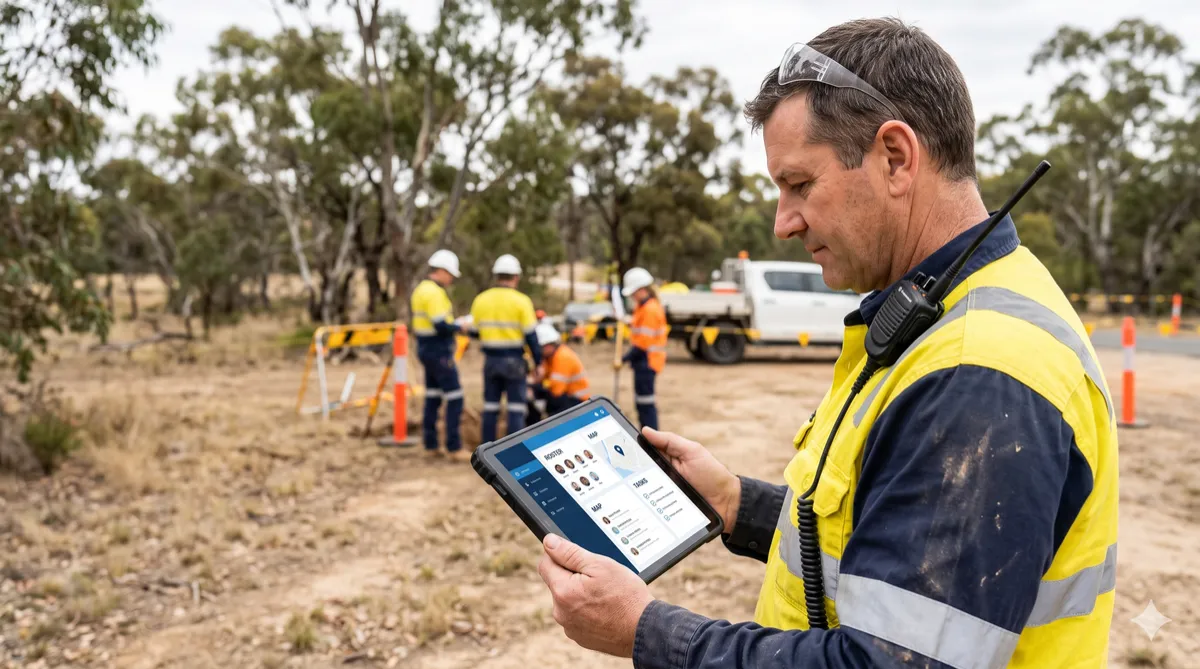
A workforce management app is software that handles the day-to-day running of a team – who works where, when they arrive, how long they stay, and what gets reported afterwards. Field operations make that job harder. Workers are spread across sites, travel between them, and often work alone with patchy mobile coverage.
During any shift, field managers need four answers. Who is assigned to which job? Who has arrived on site? Where is everyone right now? Is anyone in trouble? A professional workforce management app answers all four from one live console, using real-time data instead of phone calls and end-of-week timesheets.
Below are the six core features field teams rely on most: smart scheduling and despatch, real-time visibility, safety alerts, location-verified attendance, compliance tracking and live reporting. Each one saves your managers from chasing answers over the phone.
Understanding a Workforce Management App
A workforce management app brings everything about your field team into one place: schedules, locations, time records, compliance and safety. Instead of spreadsheets, group chats and paper timesheets, managers get a single live view of the work.
How It Works
Workforce setup. Managers add worker profiles, skills and site details to the platform.
Planning and assignment. Demand forecasting shows how many workers each period requires. Scheduling then matches every job to a worker based on skills, location and availability.
Shift tracking. Through the mobile app, geofencing records check-in and check-out automatically, creating a verified attendance record. Workers also complete job safety assessments on site.
Live monitoring. Managers view worker location and status on the console. A fall, suspected incapacity, missed check-in or late arrival triggers an alert.
Reporting and review. The platform keeps a complete record of workforce activity, so managers can review performance and compliance.
Core Features of a Workforce Management App
Most field management problems trace back to the same gaps: no safety system on the job, no real-time visibility on site, and attendance records that rely on self-reporting. A reliable workforce management app closes those gaps — and replaces the phone calls, paperwork, and manual processes that eat into your day.
1. Smart Scheduling and Despatch
Field work changes by the hour, so a fixed roster falls behind quickly. Smart scheduling and despatch solve this by using AI to match each job to the right worker based on – skills, location and availability. The same logic syncs schedules to catch clashes before crews head out and forecasts demand so managers know how many people upcoming work needs.
Helps:
Assign jobs by skills and location
Spot schedule conflicts early
Plan staffing ahead of busy periods
With Merge Insights' workforce management app, these decisions happen in one system instead of over the phone.
2. Real-Time Workforce Visibility
When crews are spread across several sites, managers often learn who has arrived or who is running late only by calling around. Real-time workforce visibility replaces that with a live map or dashboard showing each worker's location and status: en route, on site, on break or off shift.
Because field coverage can be patchy, the app stores updates on the device and syncs them once the connection returns.
Helps:
See who is on site or in transit at a glance
Reassign the nearest worker when plans change
Give customers accurate arrival times
3. Live Worker Tracking and Safety Alerts
Lone workers and remote crews can go unnoticed for hours if something goes wrong. Safety alerts close that gap by notifying the manager immediately. Common triggers include a detected fall, no movement for a set period, a missed check-in or an emergency button press, from either a phone app or a wearable. Each alert carries the worker's last known location, so help reaches the right place.
Helps:
Get notified of falls, missed check-ins or late arrivals
Locate a worker quickly in an emergency
Review incidents afterwards
4. Location-Verified Time and Attendance
Paper timesheets and manual check-ins leave room for errors, from forgotten clock-outs to rounded hours. Location-verified attendance removes much of that guesswork. Using geofencing, which sets a virtual boundary around a job site, the app logs a worker's check-in when they enter the boundary and check-out when they leave.
Managers get a timestamped record of actual time on site, which supports accurate payroll and clearer answers when hours are questioned.
Helps:
Confirm arrival and departure times without manual entry
Reduce timesheet errors and disputed hours
Pass verified hours straight to payroll
5. Compliance and Certification Tracking
Field work often requires current licences, safety tickets and training, and a lapsed certificate can stop a job or create legal risk.
A workforce management app stores each worker's certifications with expiry dates and flags renewals before they lapse. It can also enforce rules such as rest breaks and shift limits and keep completed safety assessments on record.
Helps:
Get reminders before certifications expire
Keep workers without valid credentials off jobs that require them
Produce audit records without searching through paperwork
6. Live Reporting and Demand Forecasting
Reports built at the end of the week describe problems that have already happened. Live reporting shows current data instead, such as jobs completed, hours worked, overtime building up and sites falling behind, so managers can act during the shift.
The same records also feed demand forecasting: patterns in past workloads help predict busy periods and show how many workers upcoming jobs will need.
Helps:
Track job progress and hours as they happen
Spot overtime and delays before they grow
Plan staffing using past demand patterns
Together, these six features give field managers one live view of who is assigned, where they are, whether they are safe, and what hours and records result. Not every team needs each feature on day one, so it helps to start with the gaps that cause the most phone calls or paperwork. For teams still relying on spreadsheets or older systems, this comparison of modern and legacy workforce management apps shows where the differences tend to show up.
How to Choose the Right Workforce Management Software
The right workforce management software starts with an honest look at your business. How big is your team? How complex are your operations? What problems keep coming up?
Once you have those answers, measure every option against what actually matters in the field:
Scalability – Will it keep up as your workforce and sites grow?
Ease of use – Can managers and workers adopt it without weeks of training?
Integration – Does it connect with your existing payroll, HR, and compliance tools?
Compliance support – Does it track certifications, shift limits, and reporting requirements automatically?
Reliability – Is dependable support and regular updates part of the deal?
The best platforms bring scheduling, real-time visibility, attendance tracking, and safety alerts into one live console — so managers stop chasing answers over the phone. Features like smart scheduling and despatch, auto check-in and check-out, and live reporting close the gaps that spreadsheets and legacy systems leave open.
Conclusion
Most teams don't realise how much time they lose to missed check-ins, disputed timesheets, and last-minute scheduling fixes — until they stop managing it all manually.
The software you choose should make that invisible cost disappear. Not add to it.
Whether you're running five field workers or five hundred, the right platform grows with you, keeps your people safe, and gives managers the live visibility they need to make decisions — not just track problems after the fact.
Ready to see it for yourself?
Book a free demo with Merge Insights — and find out how much easier managing your workforce can actually be.
Frequently Asked Questions (FAQs)
Q1. What features should a small field team prioritise first?
Start with scheduling, attendance tracking, and real-time visibility. These three solve the most common pain points — missed shifts, disputed hours, and not knowing where your workers are.
Q2. How do I know if my business is ready for workforce management software?
If you are still using spreadsheets, group chats, or paper timesheets to manage your team, you are ready. Any business with field workers across multiple sites will benefit immediately
Q3. What is the difference between basic scheduling tools and a full workforce management platform?
Scheduling tools only assign shifts. A full platform handles scheduling, live tracking, attendance, safety alerts, compliance, and reporting — all in one place.
Q4. Will workforce management software integrate with my existing payroll or HR system?
Most modern platforms do. Always confirm this during your demo and ask specifically which systems it connects with out of the box.
Q5. What questions should I ask during a live demo?
Ask about setup time, training required, integration with your current tools, compliance features, and what support looks like after you go live.